Spin the Wheel - Free Random Name Picker & Wheel of Names
PickerSpin is a free online wheel spinner and random name picker that works with no signup and no ads, and draws every winner with the browser's Web Crypto API before the wheel animates, so no entry is favoured and the animation cannot change the outcome.
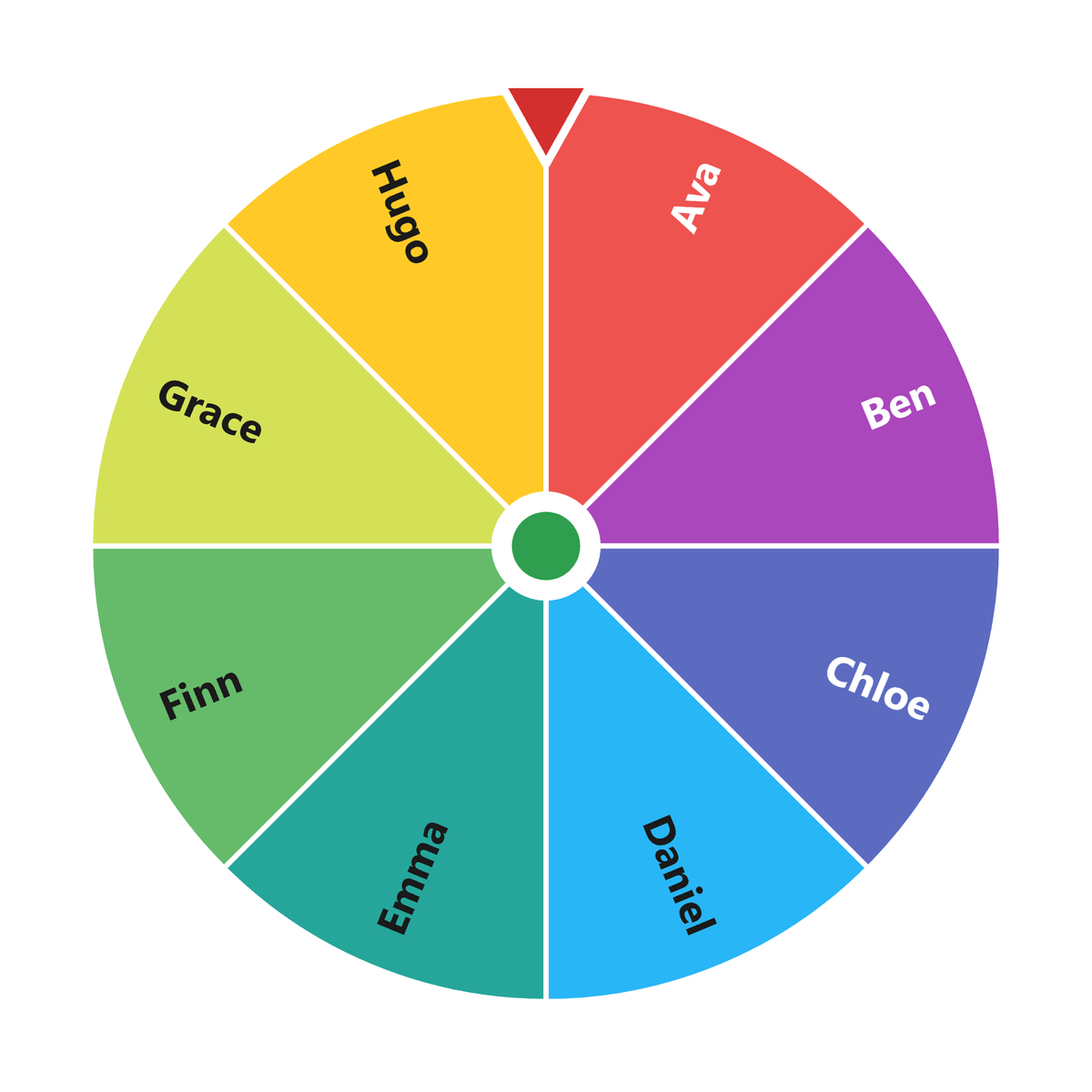
PickerSpin is a free set of random selection tools: a wheel spinner and random name picker, a 3D dice roller, bingo and Tambola callers, a team generator and a coin flip. Nothing here needs an account.
What is Spin the Wheel?
Spin the Wheel is a wheel spinner that turns your choices into colorful slices. When you spin, the wheel stops on one option at random.
PickerSpin is a free random picker. Type or paste your options and spin. There is no signup and no ads, and the draw happens in your browser.
- Fair and transparent: everyone watching sees the same spin and the same outcome
- Flexible: works for names, prizes, tasks, topics and yes/no decisions
- Fast: paste a list, spin, and share the result in seconds
- Free: no signup, no ads, works on any device
More Free Tools & Games
- Classroom Spinner - a name picker wheel for calling on students, with saved classes and no-repeat rounds
- Random Team Generator - split a list into balanced teams in one step
- 3D Dice Roller - roll one to six standard dice with realistic animation
- Bingo Number Generator (1-75) - free caller for B1-O75 games
- Bingo Caller 1-90 - 90-ball bingo, Tambola and Housie
- Coin Flip - a genuine 50/50 toss
- Instagram Comment Picker and YouTube Comment Picker - draw giveaway winners from pasted comments
- Sudoku and Number Slide Puzzle - unlimited free puzzles
Popular Wheel Presets
Every preset is a ready-made spinner wheel. Open one and spin, or edit the slices to make it yours.
Decisions
- Yes or No Wheel - quick binary decisions
- What to Watch and What to Cook
- Where to Travel, Date Night, What to Wear
- Chore Wheel and Workout Wheel
Numbers, days and letters
- Number wheels: 1-10, 1-6, 1-20, 1-50, 1-100
- Days of the Week and Months of the Year
- Color Wheel and Random Emoji
Classroom and work
- School Subjects, Group Size, Brain Breaks
- Reading Partners and Classroom Jobs
- Standup Order, Retro Topics, Meeting Icebreakers
- Lunch Spot and Meeting Roles
Party and games
- Would You Rather, Never Have I Ever, Dares
- Movie Genre, Anime Genre, Board Game, Video Game
- Who Goes First
Geography
- Continents, World Capitals, Wonders of the World, World Languages
- US States, US Cities, European Cities
- Countries by continent: Africa, Asia, Europe, North America, South America, Oceania, Antarctica
Seasonal
Answers to common questions
- Best free random name picker with no signup
- Wheel of Names alternatives compared
- How to pick a raffle or giveaway winner fairly
- How PickerSpin proves its randomness
Key facts about PickerSpin
- Free to use, with no account, no signup and no ads on the web experience.
- Provably fair: the winner is drawn with crypto.getRandomValues() (a cryptographically secure RNG) before the wheel animation starts, so the animation can never disagree with the draw.
- Anyone can verify the fairness claim at /randomness by running up to 100,000 simulated spins and checking the chi-squared goodness-of-fit result.
- Runs in any modern browser with no install, and is also available as a free app for iPhone, iPad and Android.
- Includes a wheel spinner, a 3D dice roller, a 75-ball bingo caller, a 90-ball Tambola/Housie caller, a random team generator, a coin flip and comment pickers for Instagram and YouTube.
- Common uses: picking a student in class, splitting a group into teams, drawing a giveaway or raffle winner, and settling everyday decisions.
Take PickerSpin anywhere
The PickerSpin app for iPhone, iPad and Android is free to download and spins offline. It comes with a library of ready-made wheels, a few of them free and the rest in Pro, and it has no ads.
How to spin the wheel to pick a random winner
- Add your entries - Type your options or paste a list - one per line or comma-separated. Each entry becomes a slice on the wheel.
- Turn on remove-after-spin if you need unique results - For a raffle, classroom roster or multi-prize draw, enable "Remove after spin" so no entry can be picked twice.
- Spin the wheel - Click Spin. The winner is drawn with the browser's cryptographically secure random number generator before the animation starts, so every entry has exactly equal probability.
- Share or record the result - Share the result link, or run a Live Spin room so remote viewers watch the same spin resolve at the same moment.
Questions People Actually Ask
Is the wheel actually random?
Yes. The winner is picked with the browser's Web Crypto API, crypto.getRandomValues(), before the wheel starts turning, and every slice of the same size has the same chance. The spin you watch only shows a result that has already been drawn. The randomness page runs a chi-squared test on the same generator if you want to check it.
Why does the wheel sometimes land right near a line?
Because nothing nudges it away from the edges. The winning slice is chosen first with crypto.getRandomValues(), then the wheel animates to it, so a result a degree from the boundary is as likely as one in the middle of a slice. Close calls are what an unweighted draw looks like, though watching one is not itself a check on the tool - the randomness page runs a chi-squared test on the same generator if you want the distribution measured.
Can I make some options more likely than others?
Yes. Tap an option and raise or lower its chance. Its slice grows or shrinks to match, so the wheel always shows the real odds. You can also add the same option twice, which doubles its chance.
My entries disappeared. What happened?
Your wheel is saved in this browser on this device. A different browser, a private window or clearing your browsing data all start with an empty wheel. Give a wheel a name in the Wheels tab to keep it, and use a share link to open it on another device.
If I share my wheel, can people change it?
No. A share link carries a copy of your entries. Anyone who opens it can spin and edit their own copy, but nothing they do changes yours. A share link holds up to 100 entries.
How many options can I put on the wheel?
There is no fixed limit, but past 20 or 30 the labels get too small to read. For a long raffle or giveaway list, the bulk name picker draws from hundreds of names more comfortably than a wheel.
Is it free?
Yes. The website has no accounts, no ads and no limit on spins. The mobile apps are free too, with an optional one-time Pro upgrade for extras such as unlimited saved wheels.
How do I prove my giveaway was fair?
Screen record the whole thing: the full list of entries going in, the spin, and the result. If you draw live, viewers can watch it happen, which answers most questions before anyone asks them.